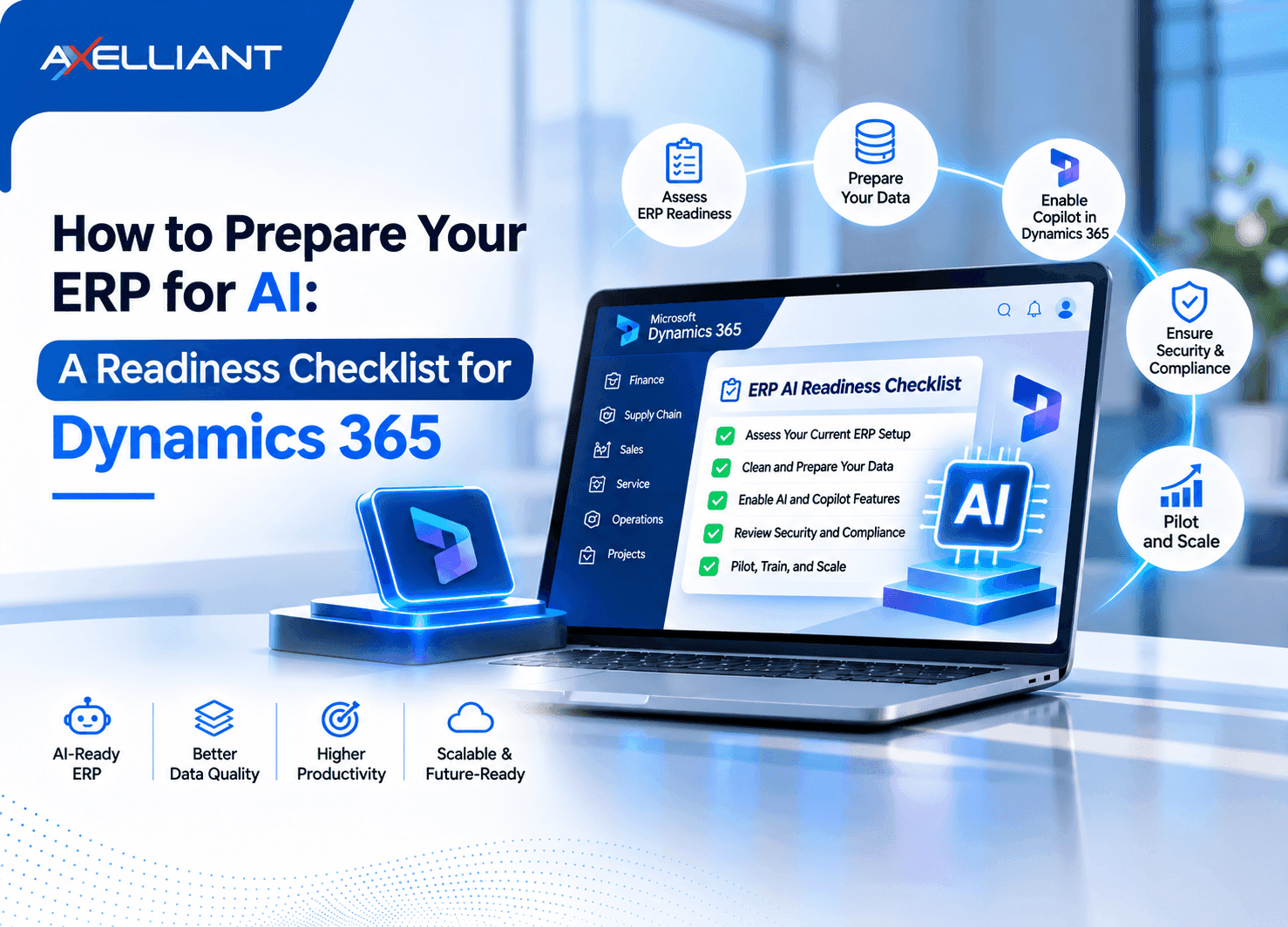
Everyone wants AI in their ERP. Fewer companies are ready for it.
The problem is rarely the AI itself. Microsoft has built Copilot and AI agents straight into Dynamics 365. The problem is what the AI has to work with: messy data, old versions, disconnected systems and no clear rules about who approves what.
Gartner predicts that over 40% of agentic AI projects will be cancelled by the end of 2027, mostly because of rising costs, unclear value and weak risk controls. Almost all of those causes can be fixed before a project starts.
Use this checklist to find out where you stand.
The 10-Point ERP AI Readiness Checklist
1. Are You on a Cloud Version of Dynamics 365?
This is the first gate. Copilot and the new AI agents in Dynamics 365 Finance, Supply Chain Management and Business Central are delivered through the cloud. If you're still running Dynamics AX 2012 or an on-premises Dynamics NAV or GP system, most of these features simply aren't available to you.
Ready if: You run Dynamics 365 in the cloud and stay current with Microsoft's release waves.
2. Is Your Master Data Clean?
AI learns from and acts on your data. Duplicate vendors, outdated item records and inconsistent customer names lead to wrong answers, fast.
Ready if: You have a single, de-duplicated list of customers, vendors and items, with clear owners for each.
3. Is Your Chart of Accounts Consistent?
AI-driven reconciliation and variance analysis rely on a clean financial structure. Too many unused accounts, or accounts that mean different things in different legal entities, confuse both people and AI.
Ready if: Your chart of accounts and financial dimensions are standardized across entities.
4. Are Your Systems Connected?
AI gives better answers when it sees the whole picture. If sales data lives in one tool, inventory in another and finance in a third, the AI only sees a slice.
Ready if: Your ERP, CRM and key operational systems share data through Dataverse, Microsoft Fabric or well-managed integrations.
5. Do You Have Enough History?
Forecasting and anomaly detection need history to learn patterns. Most demand forecasting models work best with two to three years of clean transaction data.
Ready if: You have migrated (or can access) at least two years of reliable historical data.
6. Are Your Processes Documented?
You can't automate a process nobody can describe. Before an agent takes over collections or reconciliations, you need to know the steps, the rules and the exceptions.
Ready if: Your top processes have written steps, approval limits and named owners.
7. Do You Know Which Use Case Comes First?
Companies that try to "add AI everywhere" often end up with nothing in production. Successful teams start with one or two processes that are high-volume, rule-based and easy to measure.
Ready if: You have picked one or two use cases with a clear before-and-after metric, like days to close or hours spent on invoice matching.
8. Are Security Roles and Permissions Up to Date?
Copilot respects the permissions in your system. If a user can see data they shouldn't, Copilot can surface it to them too. Old roles and broad access are a real risk once AI is switched on.
Ready if: You have reviewed security roles in the past 12 months and follow least-privilege access.
9. Do You Have AI Governance Rules?
When an AI agent can take action, you need clear rules on what it may do on its own and what needs human approval.
Ready if: You have written down approval thresholds, audit requirements and an owner for AI decisions in each process.
10. Are Your People Ready?
The best AI tools fail when people don't trust them or don't know how to use them. Users need to learn how to ask good questions, check AI output and manage exceptions.
Ready if: You have a training plan and a few champions in finance, operations and sales who will lead adoption.
Score Yourself
| Checklist Items Marked "Ready" | Where You Stand | Recommended Next Step |
|---|---|---|
| 8–10 | AI-ready | Launch a pilot on your first use case within 90 days. |
| 5–7 | Nearly ready | Fix data and governance gaps, then pilot. |
| 0–4 | Foundation stage | Start with a cloud migration and data cleanup plan. |
Common Mistakes to Avoid
- Starting with the tool, not the problem. Begin with a business pain point, then find the AI feature that solves it.
- Skipping data cleanup. It is the least exciting step and the one that matters most.
- Running pilots with no success metric. If you can't measure the before and after, you can't prove value or win budget to scale.
- Leaving IT to do it alone. Finance, operations and sales leaders need to own the outcomes.
How Long Does It Take to Get AI-Ready?
It depends on where you start. A company already on Dynamics 365 in the cloud with fairly clean data can often launch a first AI pilot in 6 to 12 weeks. A company moving from Dynamics AX or another on-premises ERP should plan the cloud migration first, and build data cleanup into that project so it is AI-ready on day one.
The Bottom Line
AI in ERP is not a switch you flip. It is the result of good foundations: a current cloud platform, clean data, connected systems, clear processes and people who know how to work with AI.
The good news is that every step on this checklist also makes your ERP better today, with or without AI.
Not Sure Where You Stand?
Axelliant offers an ERP AI readiness assessment for Dynamics 365 customers. We review your data, setup and processes, and give you a clear roadmap to your first AI use case.
Book Your Assessment